
Share with Link
Learn how to share your 3DtoMe model using a link and how to customize the viewer content.
Share with a link
The person who receives a link opens the project in their browser, on any device, without installing anything. Sharing needs the Pro plan.
In the web viewer
- Sign in at viewer.3dto.me and open a project you own.
- Click Share in the top right corner.
- Choose Direct link.
- Click Copy. The button changes to "Copied!".
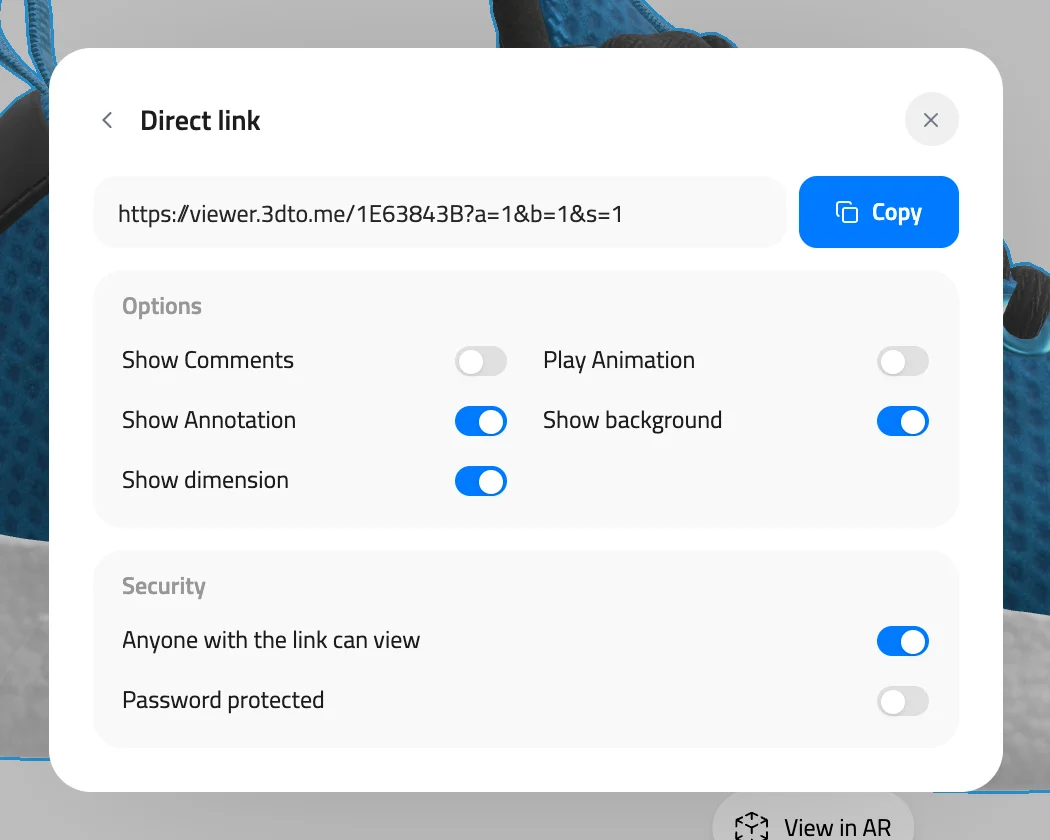
Model: MaterialsVariantsShoe by Shopify, CC BY 4.0
The link looks like https://viewer.3dto.me/ followed by an 8-character code. A project keeps the same code every time you share it, so links you already sent keep working.
In the 3DtoMe apps
- Open the 3DtoMe app, on the device you want, and select the model you want to share.
- Click the Share icon. On iOS, tap options and then Share model.
- Copy the link to your clipboard, or share it with the Share button.
Customize viewer content
In the web viewer, the Options box below the link sets what the viewer shows when someone opens the link:
| Option | On by default | What visitors see |
|---|---|---|
| Show Comments | No | Every comment marker is visible when the project opens. It applies only when the project has comments. |
| Play Animation | No | Model animations start playing when the project opens. |
| Show Annotation | Yes | Every annotation label is open when the project opens. |
| Show background | Yes | The project's background is visible. It applies only when the project has a background. |
| Show dimension | Yes | The model's dimensions are visible. |
Each option changes the link. Copy the link again after you change an option. Links you sent earlier keep the options they had.
In the 3DtoMe apps, you customize the viewer content in 3DtoMe for macOS.
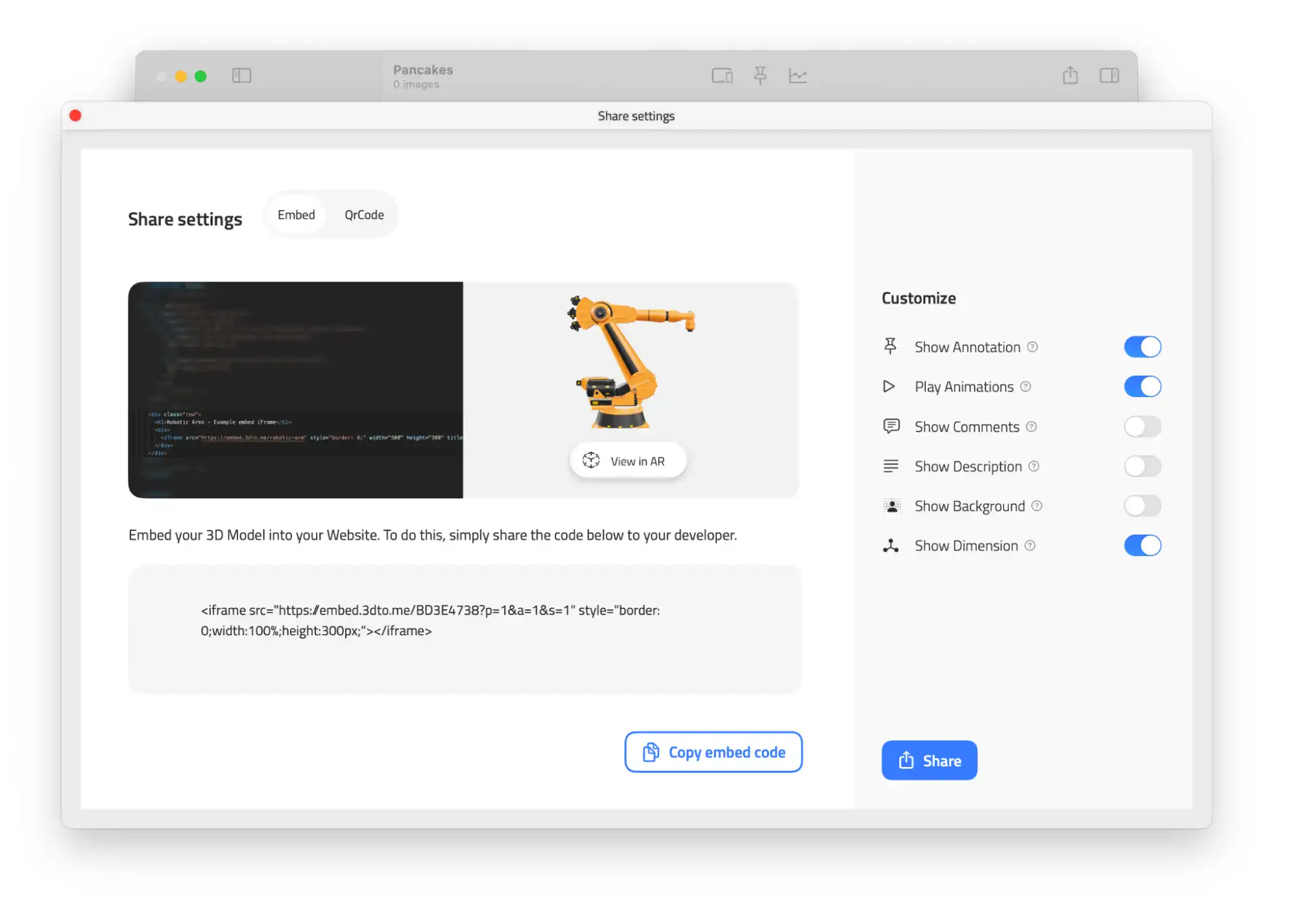
Who can open the link
The Security box in the Share window sets who can open the project.
- With Anyone with the link can view turned on, anyone who has the link, the QR code or the embed can open the project without signing in.
- With Anyone with the link can view turned off, only you can open the link, signed in with your account. Everyone else sees a "not found" page, and embeds stop loading.
- With Password protected turned on, visitors enter a password before the project loads. See Password protected content.
These settings belong to the project, so they apply to the link, the QR code and the embed at the same time.
When links stop working
Your link stops working if you turn off Anyone with the link can view, or if your plan ends or drops below Pro. After a plan lapse, the link works again, with the same address, when you renew. See Whose plan counts.
Next Steps
- Discover how to Share with QR code.
- Learn how to Embed 3D model.
- Protect your link with a password.
Still have questions?
If you still have questions, please reach out to our support team for assistance.
Contact Support