
Get web notifications about news, updates and promotions. Unsubscribe
anytime.
Get emails about news, updates and promotions. Unsubscribe anytime.
Please provide a valid email address.
Delete account
Learn how to delete your 3DtoMe account and what steps to follow.
Delete account
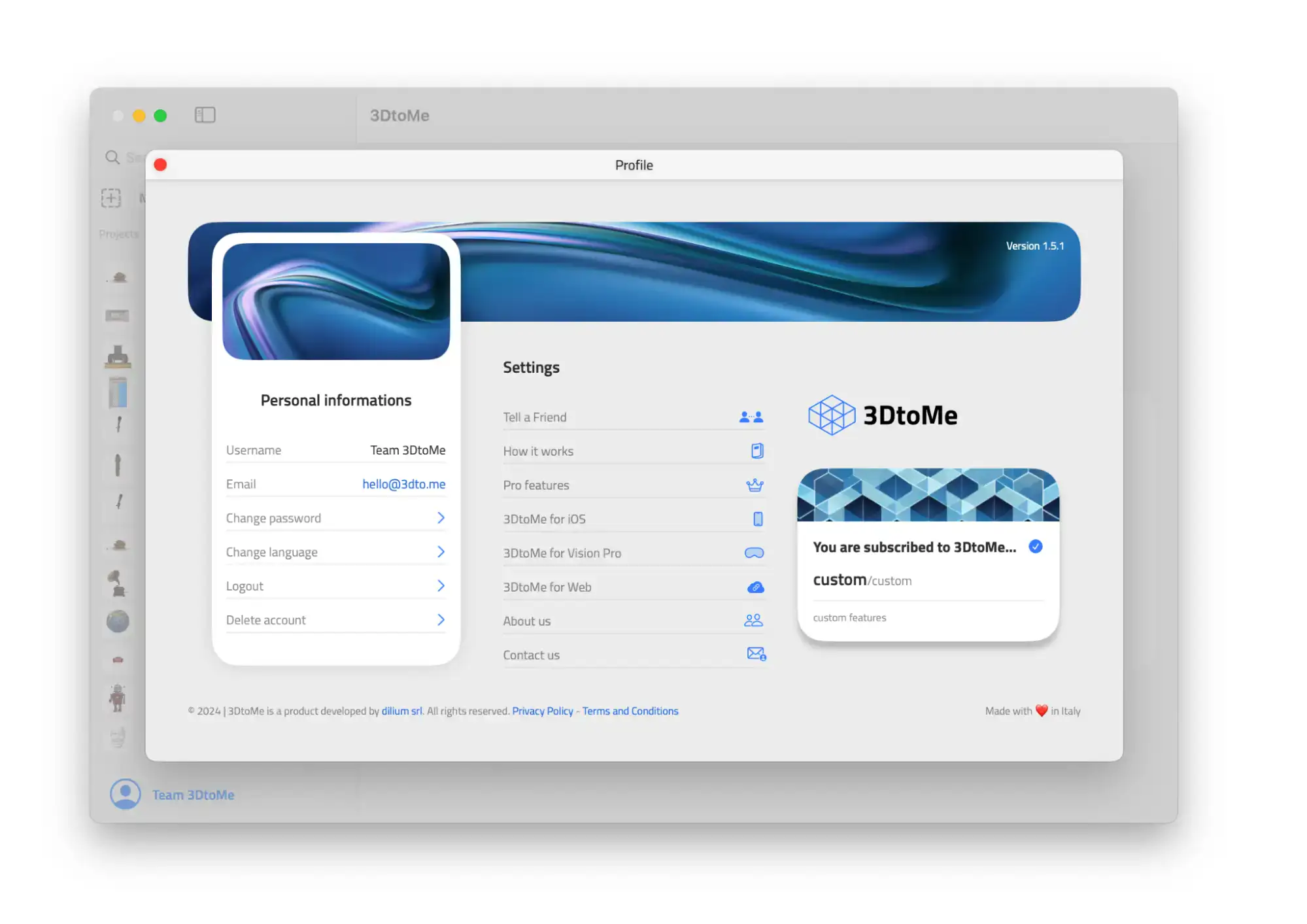
You delete your account from a 3DtoMe app:
- Open the 3DtoMe app on any platform.
- Tap your user icon.
- Tap Delete Account.
Next Steps
- Learn how to sign up for a 3DtoMe account.
- Learn how to log in to your 3DtoMe account.
- Learn how to manage your subscription.
Still have questions?
If you still have questions, please reach out to our support team for assistance.
Contact Support