
How to sign up for 3DtoMe
Learn how to sign up for a 3DtoMe account online and what information you need to provide.
Sign up
A 3DtoMe account works in the web viewer and in every 3DtoMe app. New accounts start on the Free plan. To sign up with your email you need:
- Your name and surname
- An email address
- A password
You have to verify your email address before you can use 3DtoMe, unless you sign up with Apple.
Sign up in the web viewer
- Go to viewer.3dto.me. The login window opens.
- Next to "Don't have an account?", click Sign up.
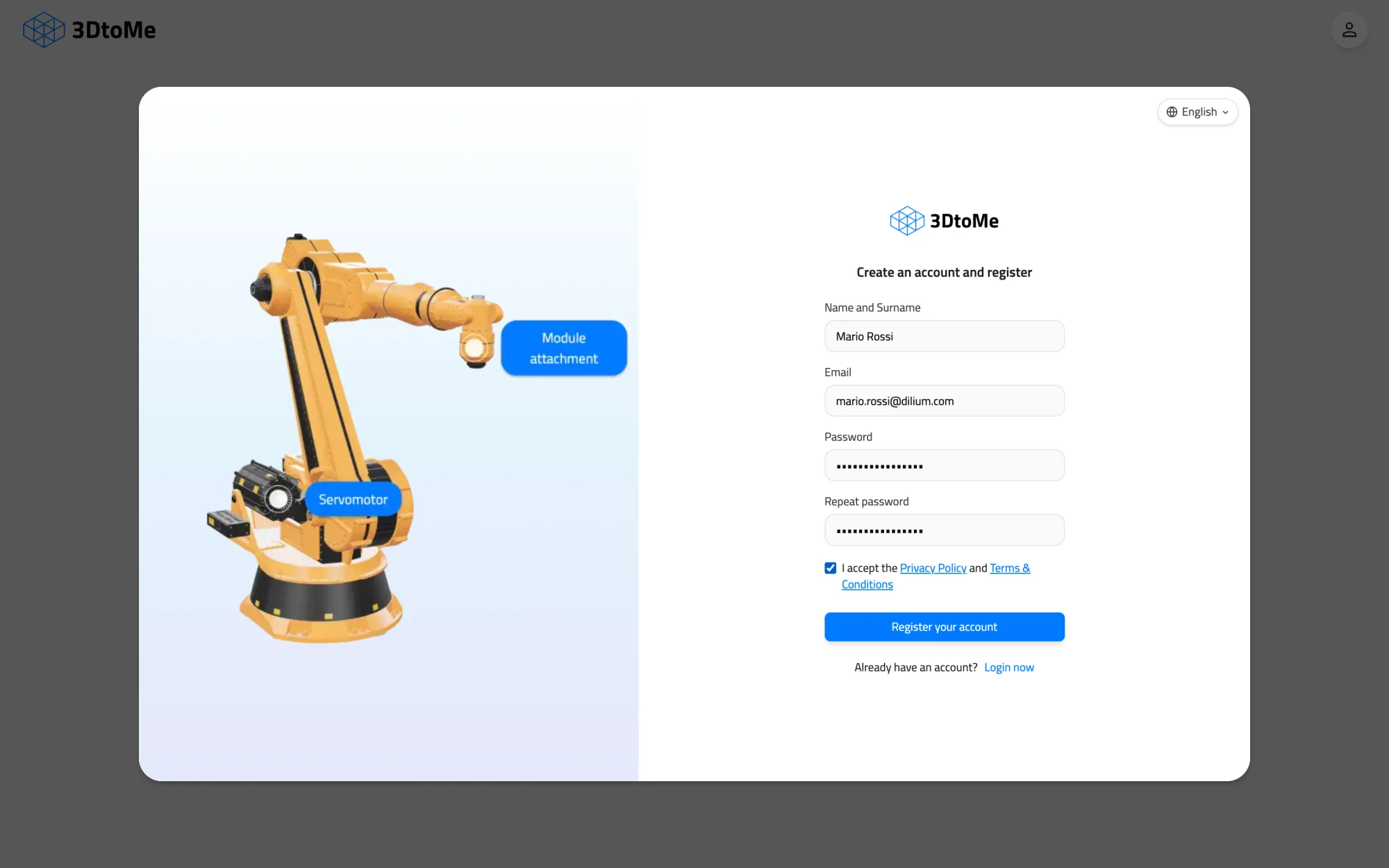
- Fill in Name and Surname, Email, Password and Repeat password.
- Tick the box to accept the Privacy Policy and Terms & Conditions.
- Click Register your account.
- The Verify your email window opens and 3DtoMe emails you a 6-character confirmation code. Type it in the "Confirmation code" field.
- Click Verify.
If the code doesn't arrive, check your spam folder or click Resend next to "Didn't receive the code?". If you close the window before you verify, log in with your email and password. 3DtoMe sends a new code and opens the window again.
If the address already has an account, the window says "This email is already registered". Log in instead, or reset your password.
Sign up with Apple
The sign up window has a Sign up with Apple button. Click it and confirm with your Apple Account. You don't need to verify your email.
- If a 3DtoMe account with the same email address already exists, Apple signs you in to that account.
- If you sign up with Apple, your account has no password. To log in with an email and password as well, set one with Forgot password?.
Sign up in the apps
To create an account in a 3DtoMe app, download the app and sign up with the same information, or with Apple.
Next Steps
- Learn how to log in to your 3DtoMe account.
- Learn how to buy 3DtoMe.
Still have questions?
If you still have questions, please reach out to our support team for assistance.
Contact Support