
Gaussian Splats
Upload splat captures, see where they open, and check which features work on them.
What a Gaussian splat is
A Gaussian splat is a 3D capture made of millions of small, soft, colored blobs called splats. Seen together, they rebuild a real scene from the photos or video it was captured from. The web viewer treats a splat as one object. You can't open it into parts the way you can with a mesh.
Where splats open
The released versions of the 3DtoMe apps for iPhone, iPad, Mac and Vision Pro don't open splats yet. The embed viewer on your website doesn't either. To show a splat to someone, send them a link to the project in the web viewer.
Upload a splat
You add a splat the same way as a mesh. Drop the file on the Scene tab of an open project, or pick it when you create a new project. See Create a project and upload models for the steps.
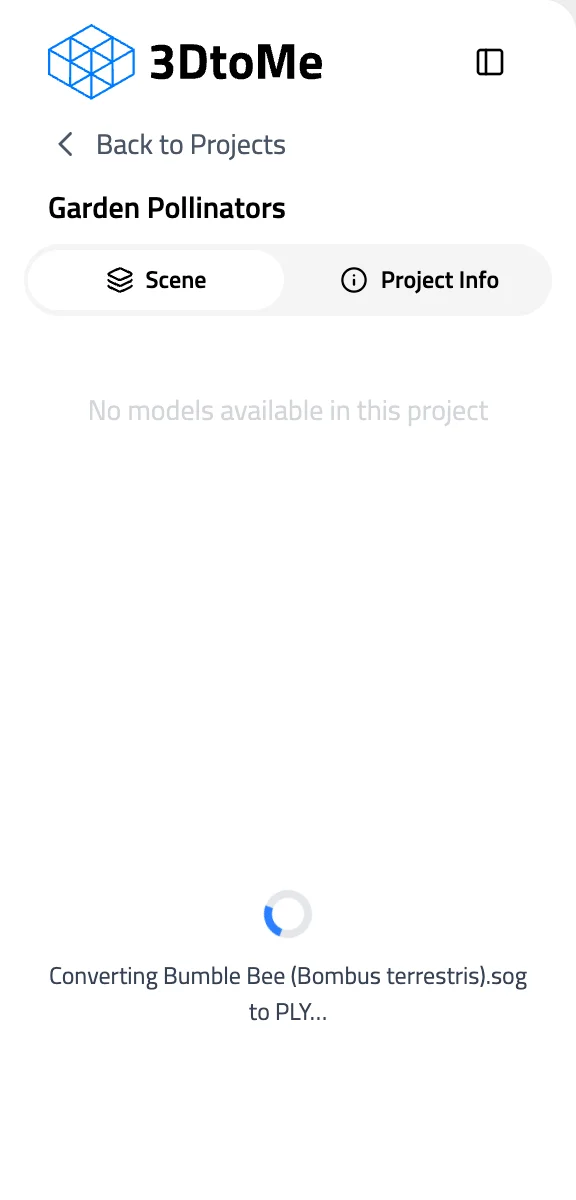
You can upload a splat as a PLY or SOG file, or as a ZIP or SSOG archive that contains a SOG. A few rules to know before you upload:
- The viewer reads every PLY file as a Gaussian splat. To upload a mesh saved as PLY, convert it to GLB first.
- A ZIP that holds a mesh fails to convert. The viewer shows Couldn't add the model and keeps the file in the project's assets.
- There is no file size limit. A large file can take too long to convert and fail. If that happens, reduce the file size and upload it again.
What works on a splat
A splat sits in the same scene as your meshes, but not every viewer tool works on it:
| Works on splats | Not available on splats |
|---|---|
| Annotations | Selecting separate parts |
| Comments | Wireframe |
| Dimensions | Material variants |
| Real-time collaboration | Model gallery and documents |
| Camera navigation and focus | Moving, rotating and resizing |
| Animations | |
| View in AR |
You place annotations and comments by clicking the splat, the same as on a mesh.
Large captures
Phones and tablets show fewer splats than computers. On a large capture, you see less detail far from the camera until you zoom in. To keep a splat sharp on phones, crop it to the area that matters before you upload it.
Good to know
- Shiny surfaces can look flatter in the web viewer than in your original PLY. Reflections and highlights don't change as you move the camera.
- The viewer draws about 5 million splats at once on a computer, 3 million on iPhone and iPad, and 2 million on Android.
Next Steps
- Add your first splat with Create a project and upload models.
- Check every format 3DtoMe accepts in Introduction to Uploading.
- Move around large scenes with camera navigation.
Still have questions?
If you still have questions, please reach out to our support team for assistance.
Contact Support